Date Range Filter
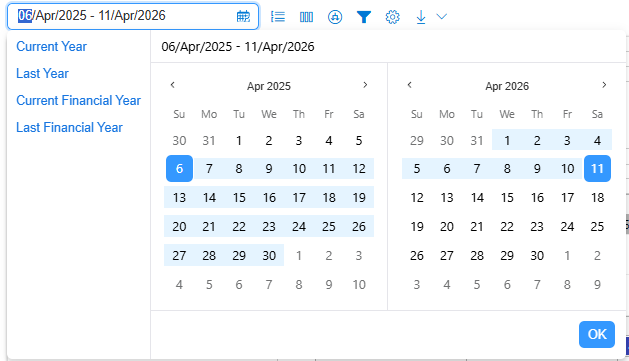
The primary filter in the Expenditure Plan is the date range selector.
Maximum selectable range: 1 year
Presets include:
Current Year
Last Year
Financial Year
Last Financial Year
Campaigns are included if any part of their date range overlaps the selected period.
This limitation ensures efficient data loading.
Group By
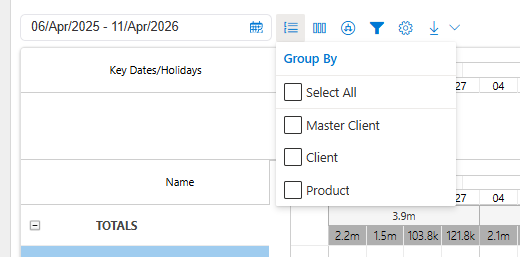
Group By defines how campaigns are structured and rolled up.
Default grouping: Client
Users can add or remove groupings
Grouping controls how aggregates appear in the grid and timeline
Group By works on aggregated campaign data, not flight‑level records.
Columns
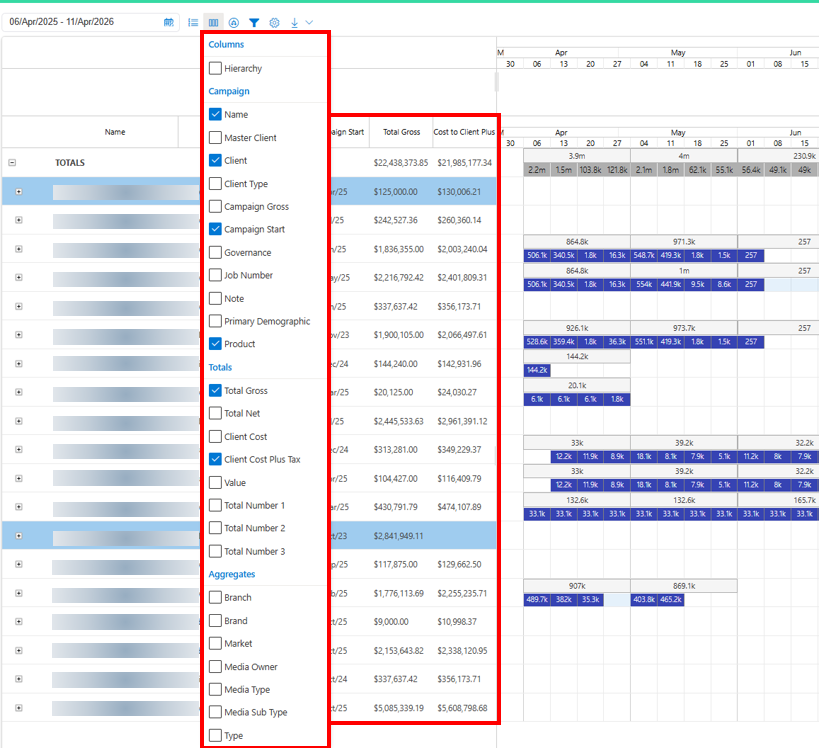
Columns determine which aggregated fields are visible.
Columns affect display only
Available fields are limited to what exists in Campaign Aggregates
Examples include:
Campaign Name
Gross, Net, and other totals
Market, Branch, Media Owner
Values roll up automatically at each grouping level.
Drill Down
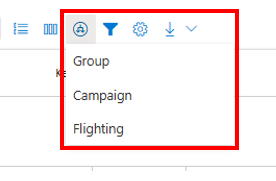
Drill Down controls how deeply data is expanded.
Expanding to lower levels triggers additional server requests
This behaviour is intentional to preserve performance
Users can expand selectively or load all lower‑level data when required.
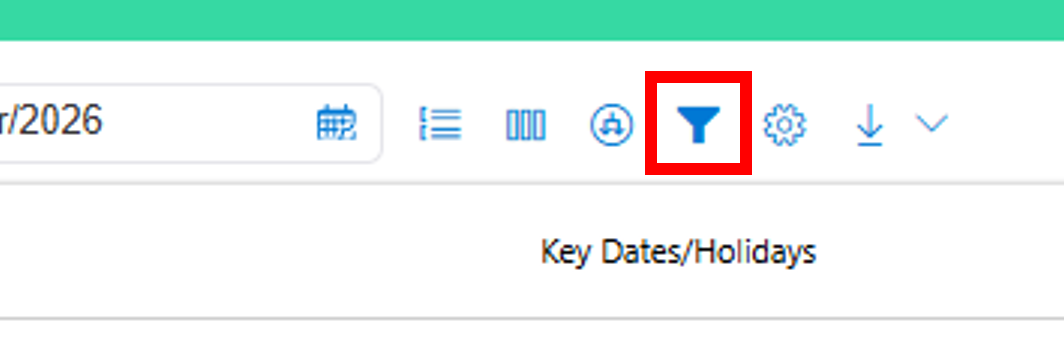
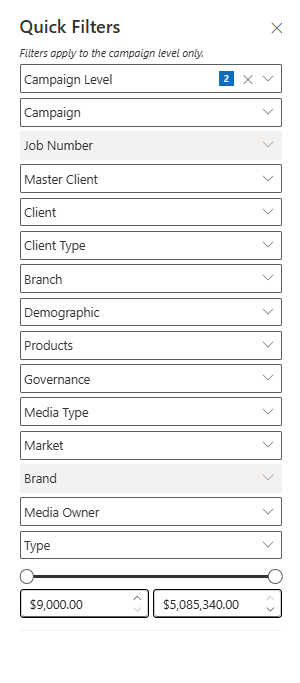
Filters
Filters behave similarly to Campaign Plan filters, with one key difference:
All filters are constrained by the selected date range
This means available filter values reflect only campaigns included in the date window, improving performance but sometimes producing narrower filter lists.
Settings
Display and Behaviour Settings
Key Expenditure Plan‑specific settings include:
Gantt Text (Monthly / Weekly): Choose which aggregate values appear in the timeline (e.g. Gross, Net, TARPs)
Currency selection
Highlight Sync: Highlight campaigns based on how recently data was synced
Key Dates & Holidays
Calendar type selection
Value rounding
Group aggregation toggles (show/hide rolled‑up values)
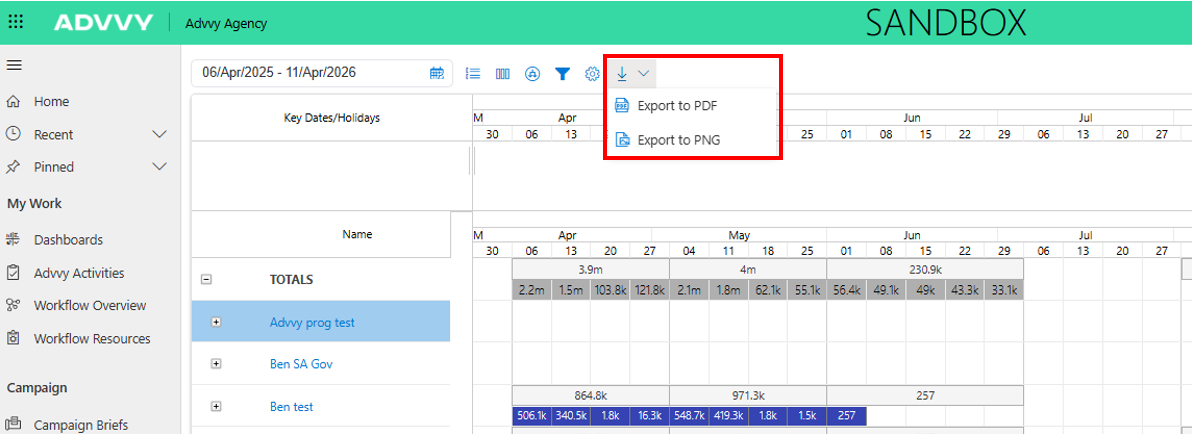
Export Settings
Export settings control what appears in PDF or PNG exports:
Client name
Agency image
Legend
Filter selections
Was this article helpful?
That’s Great!
Thank you for your feedback
Sorry! We couldn't be helpful
Thank you for your feedback
Feedback sent
We appreciate your effort and will try to fix the article