⚠
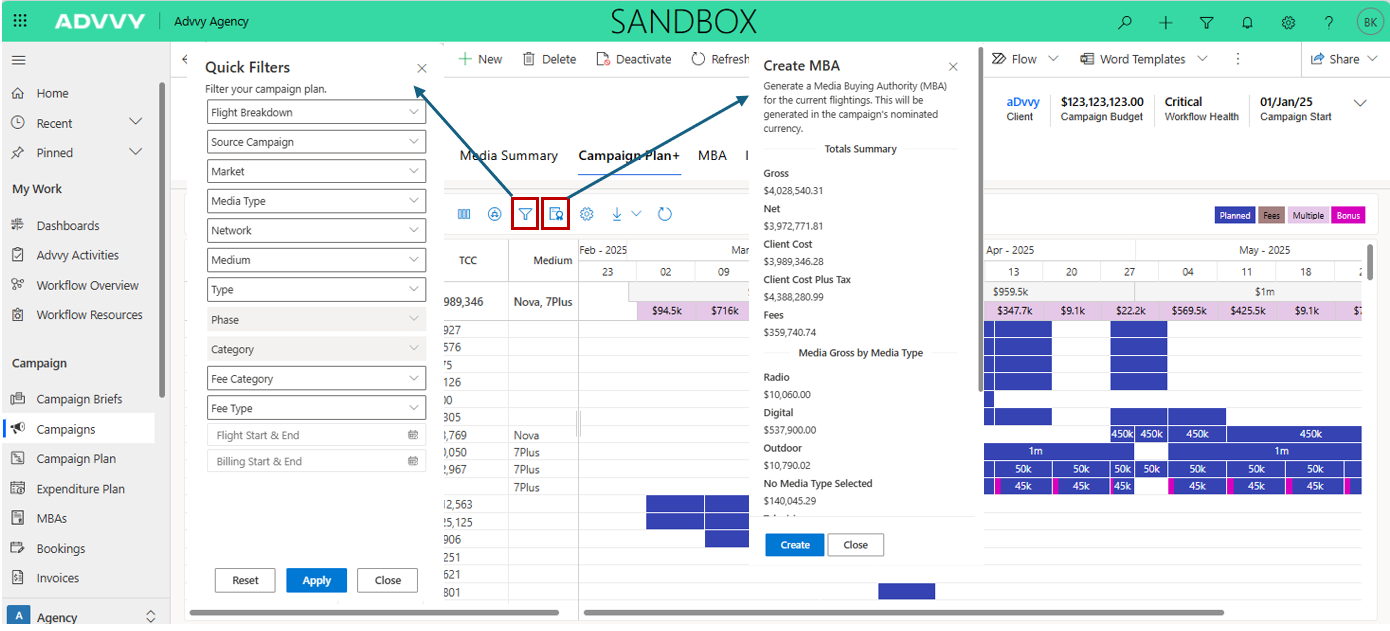
Important: Each Campaign can have multiple MBAs (e.g. one per market or period). Ensure you are generating the MBA for the correct activity.
Key Takeaways
1
MBAs are generated from Campaign records — the Campaign must be in a non-Draft status.
2
Generated MBAs appear in the MBA tab on the Campaign record.
3
After generation, MBAs must be submitted through the approval workflow before they are considered authorised.
Was this article helpful?
That’s Great!
Thank you for your feedback
Sorry! We couldn't be helpful
Thank you for your feedback
Feedback sent
We appreciate your effort and will try to fix the article